¶ How To Create A Wiki Page
¶ Introduction
- Who Does This: Anyone
- When Do They Do It: A PM will request the creation of a new Wiki page
- Which Platform: The wiki.intersect.build website
- Prerequisite Knowledge:
- A login to wiki.intersect.build is needed
¶ Reference Info
- Follow this structure when writing a How-To page How-To Wiki Page Structure Guidelines
¶ 1. Log In
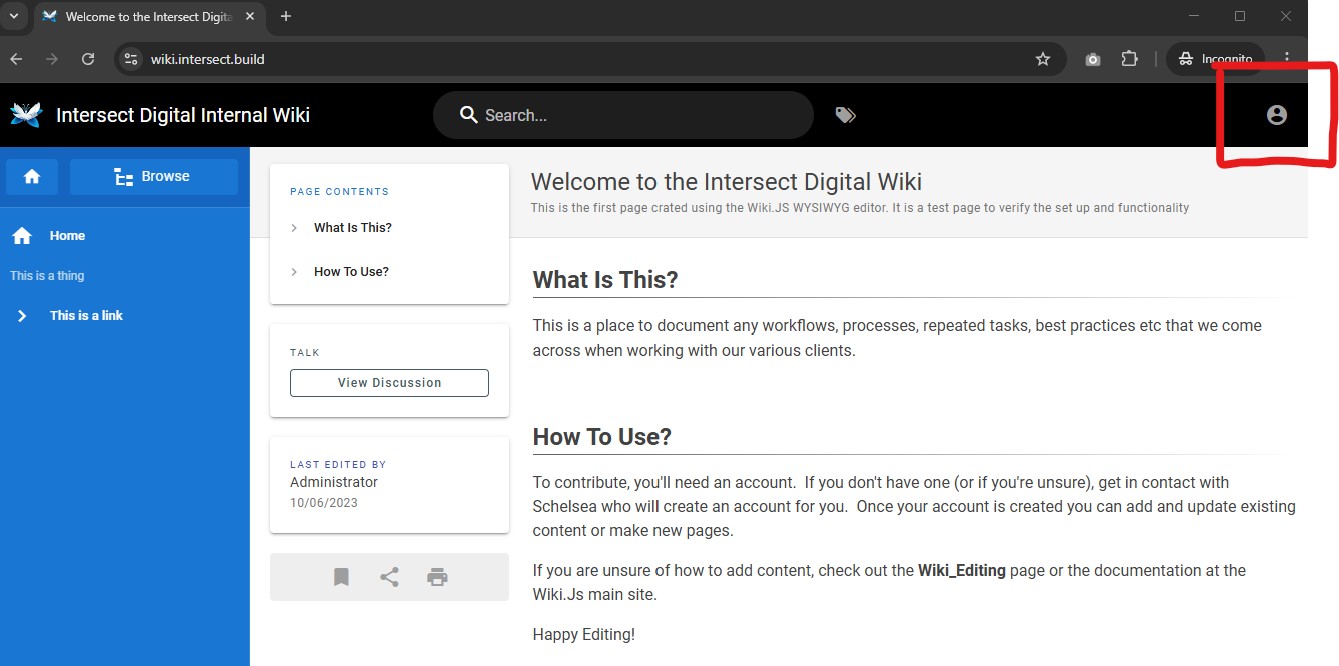
You can view the Wiki without being logged in but you must Log In to author a page. Click the person icon in the upper right.
¶ 2. Enter Credentials
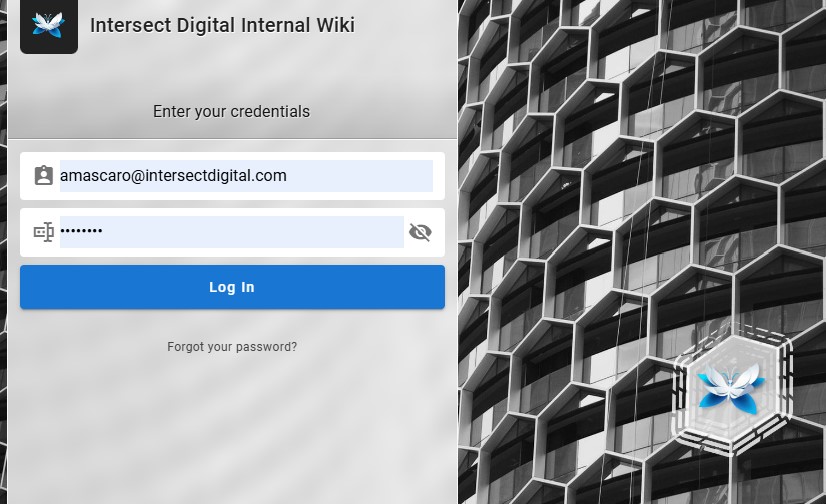
Enter the credentials Schelsea has shared to you
¶ 3. Click New Page
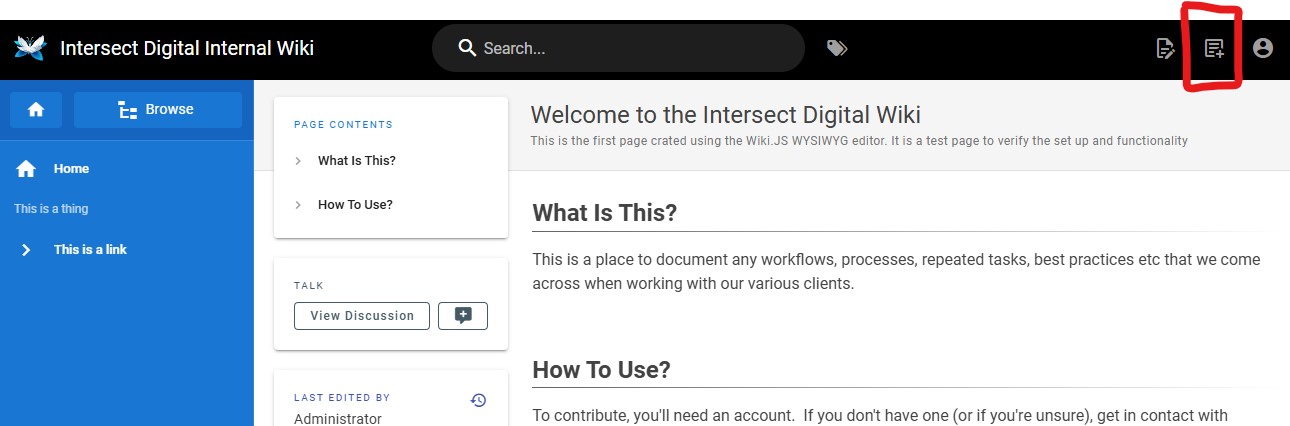
Now that you’re logged in you are able to see the New Page button in the top right. Click the New Page button.
¶ 4. Set Minimum Page Info
In the New Page dialog :
- Select the appropriate folder for this content.
- Give the page a machine-friendly URL in “slug” format of lower-case-hyphenated-url-paths. Spaces are not allowed, and make all the letters lowercase.
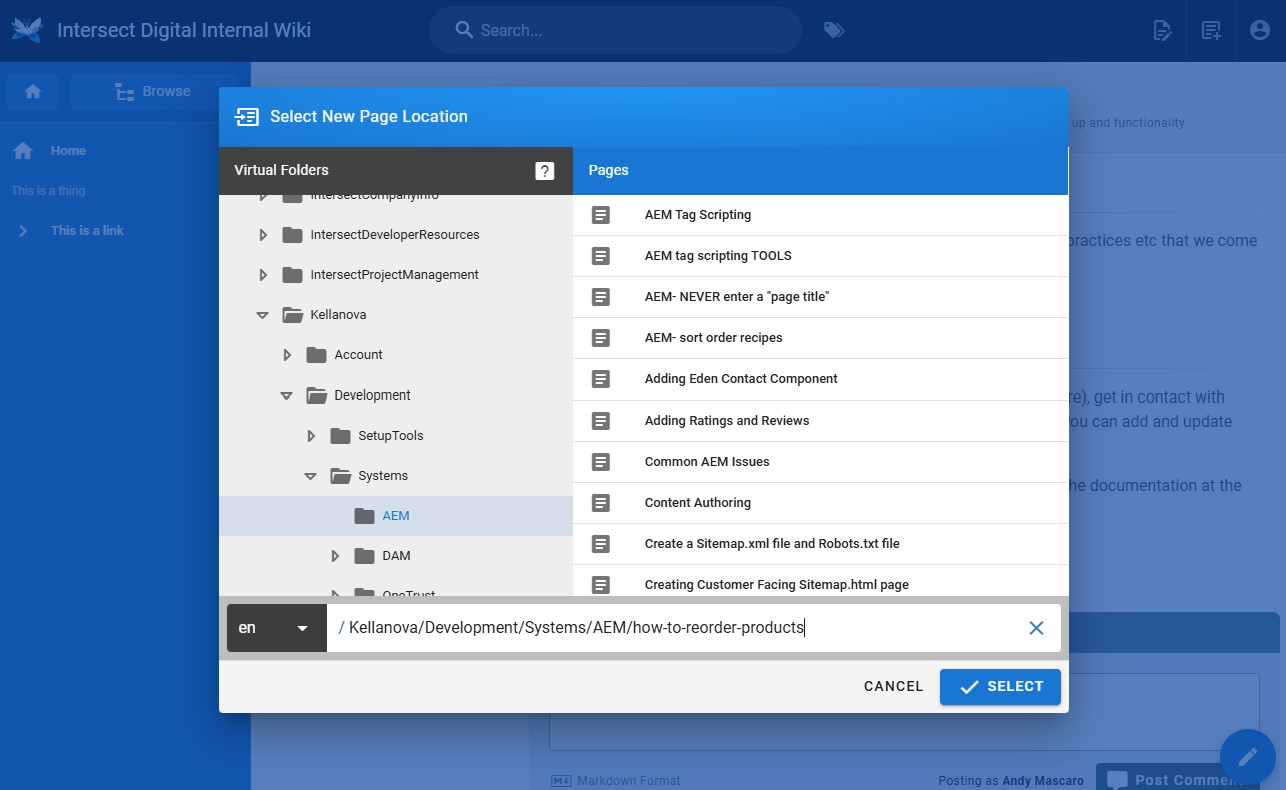
If you see this error:
This is because spaces are not allowed in the machine-friendly URL path. Edit this path so it uses “-” in place of space.


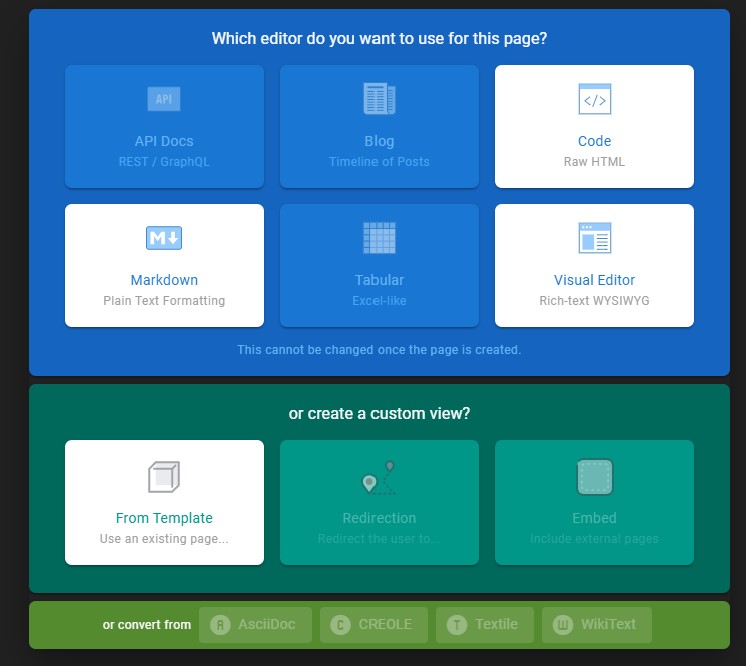
¶ 5. Chose Which Editor
Pages can be authored using 3 different editor tools so chose the one you like the best (Code, Markdown, or Visual Editor).
¶ 6. Set Page Title & Description
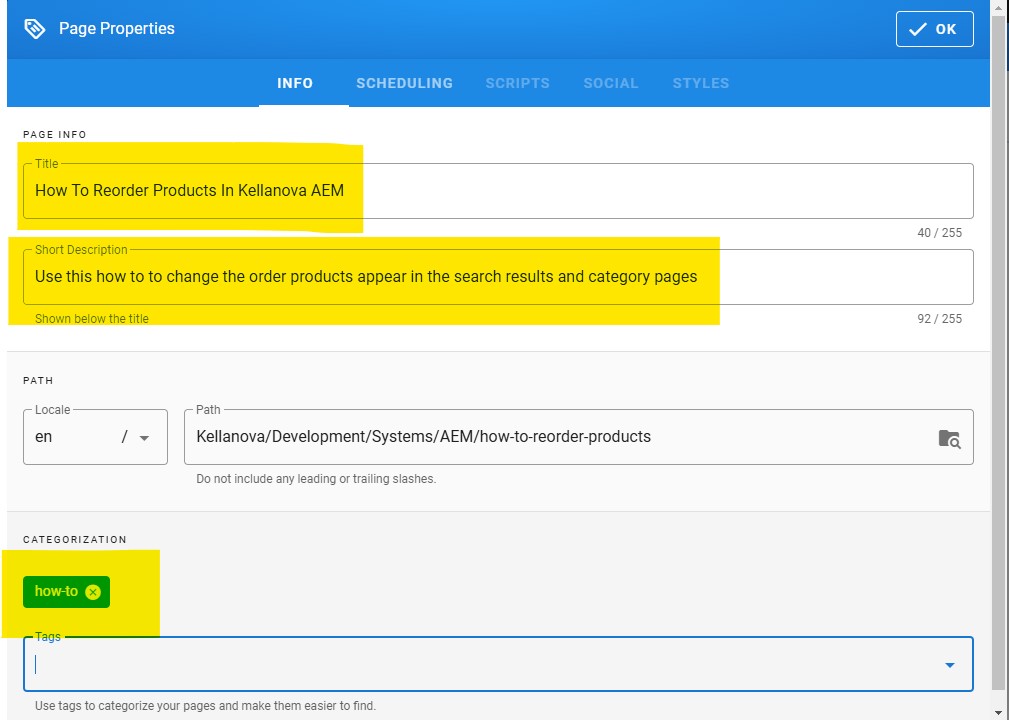
In the Page Properties dialog populate the user-friendly page title, a meaningful description, and set the tags to include “how-to” if you’re writing a How-To or set the tags to include “reference” if you’re writing a reference. Do not invent your own new tags.
¶ 7. Edit Content
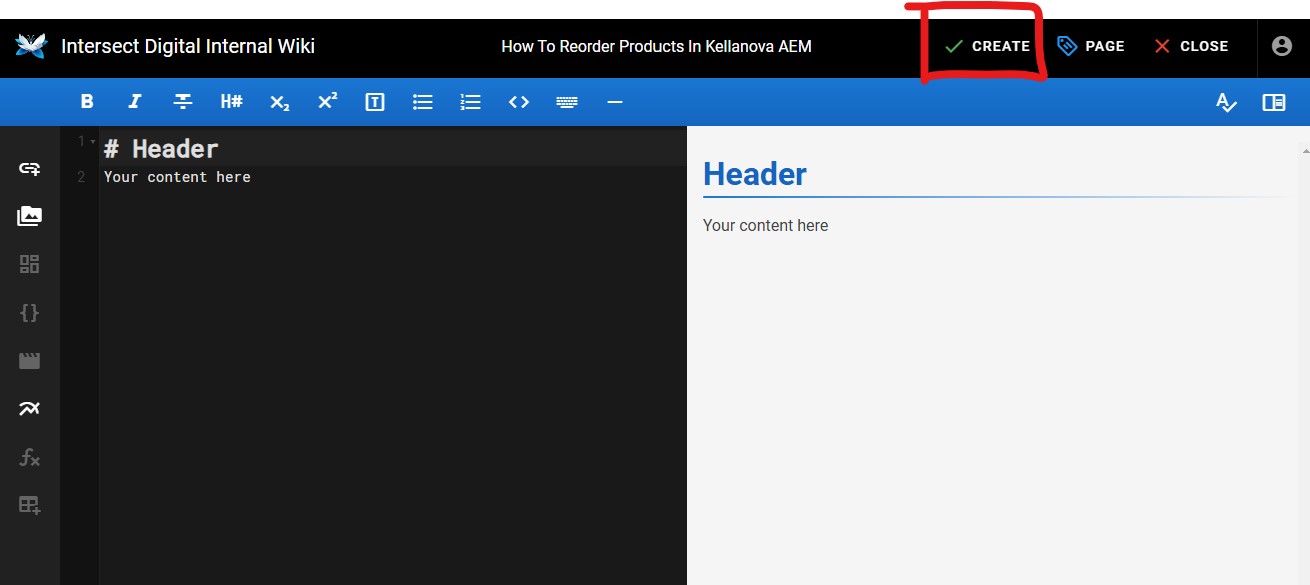
Edit the page content in the editor and click Create Page when ready.
¶ 8. Further Edits
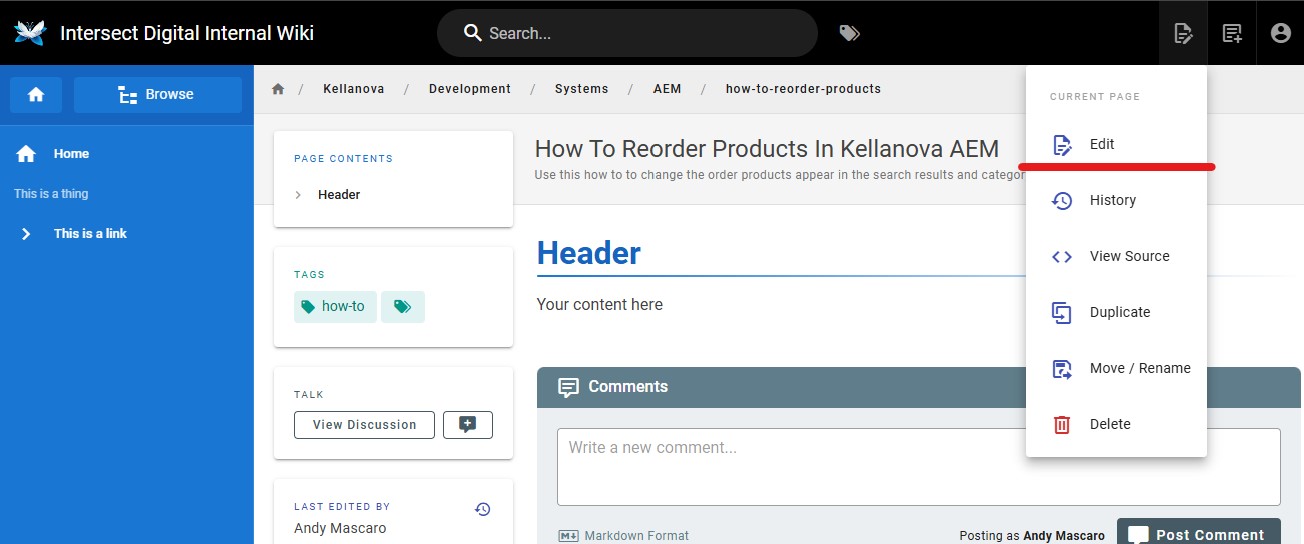
After the page is created you can also Edit it further by hovering over the Page Actions button and clicking Edit. This will return you to the editor.